Články
-
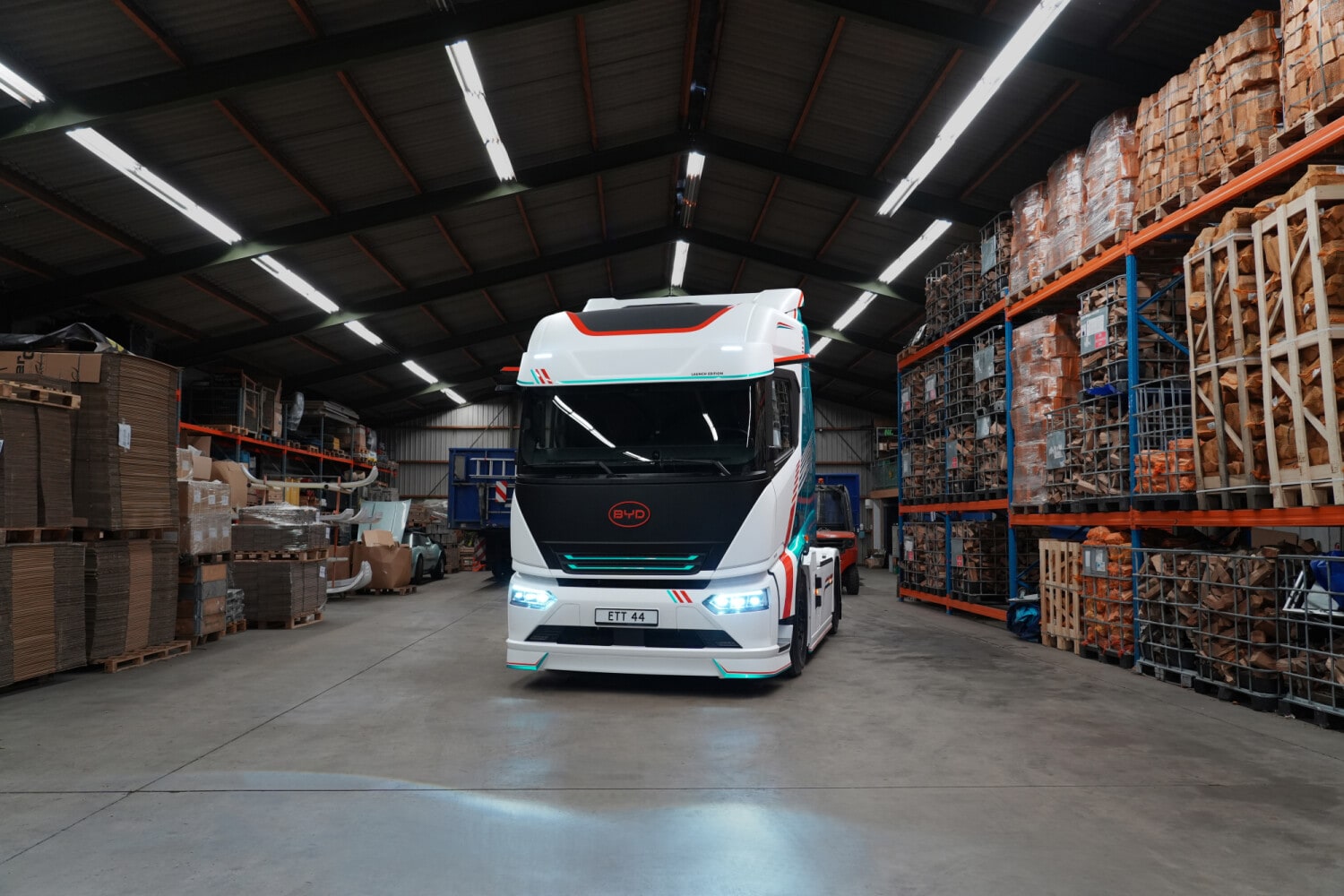
Elektrifikace těžké dopravy dostává díky tahači BYD ETT 44 nový impuls. BYD jej představil na veletrhu IAA Transportation jako elektrický nákladní vůz s baterií Blade o kapacitě 651 kWh a možností nabíjení prostřednictvím systému MCS výkonem přes 1,5 MW. Pro české řidiče osobních elektromobilů je ale důležité rozlišit, co tato technologie znamená pro kamiony a co pro běžné vozy. MCS není rychlejší verze běžného CCS Megawatt Charging System, zkráceně MCS, je určen především pro elektrické nákladn
-
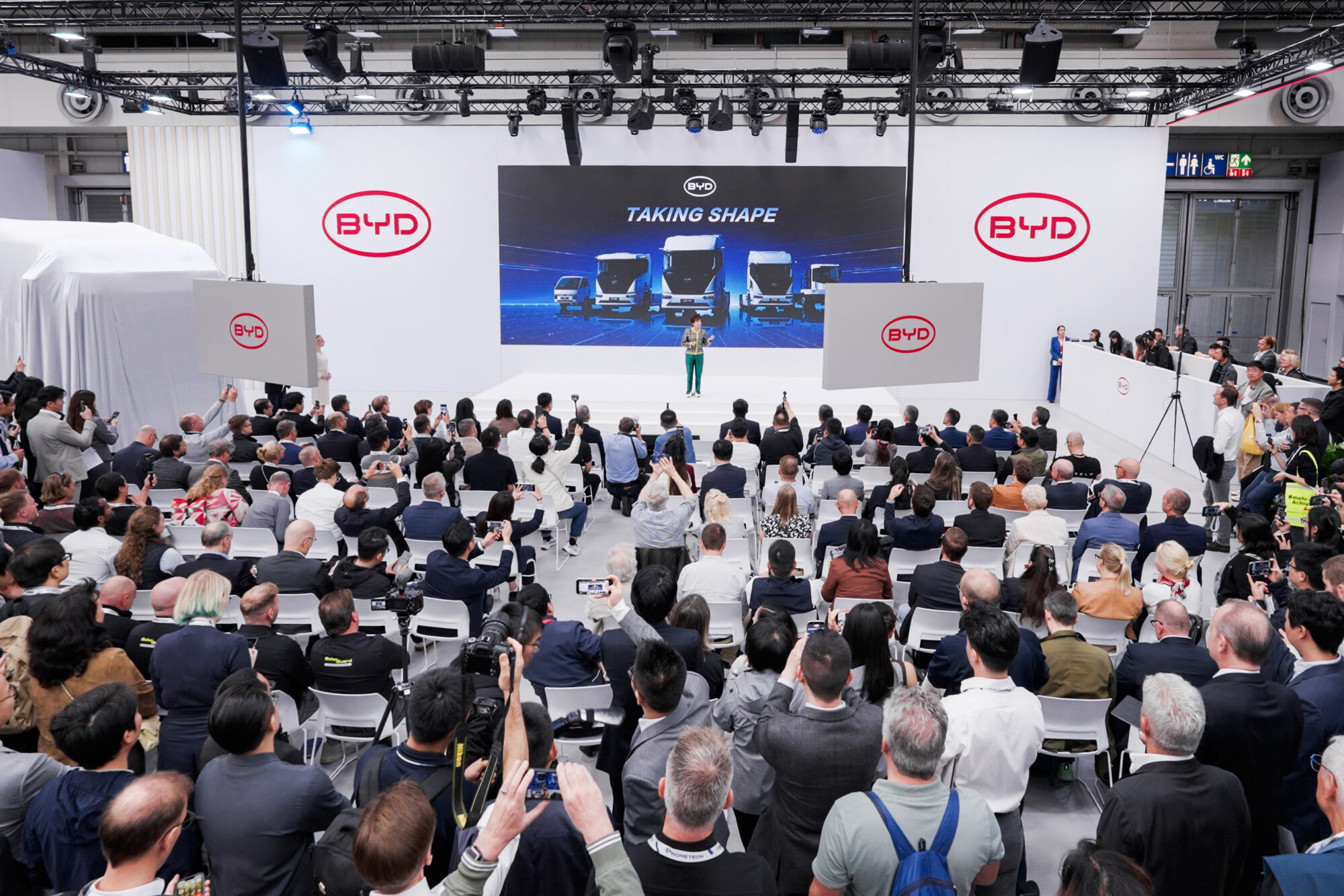
BYD na veletrhu IAA Transportation 2026 představilo v Evropě širší nabídku elektrických kamionů. Novinky využívají mimo jiné baterie Blade a technologii Flash Charging. Pro české řidiče a firmy nejde jen o rozšíření nabídky užitkových vozidel: elektrické kamiony mohou postupně ovlivnit podobu veřejného nabíjení, dodavatelský řetězec i provoz osobních elektromobilů. Kamiony jako další test baterií a nabíjení Elektrická nákladní doprava klade na baterie a nabíjecí infrastrukturu výrazně vyšší náro
-
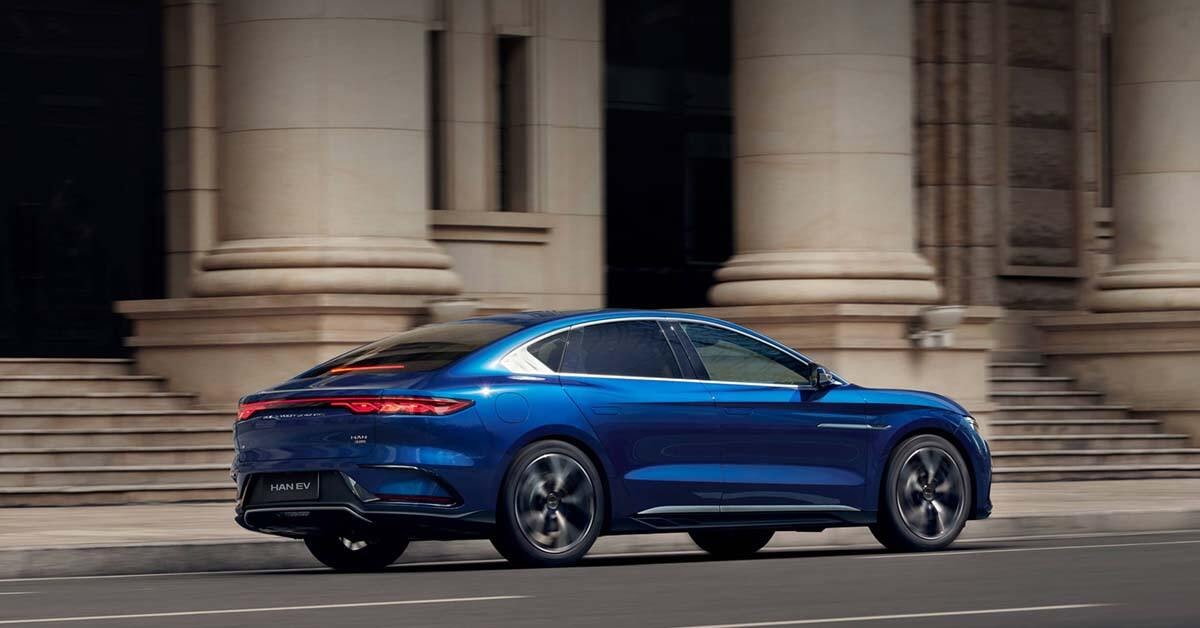
BYD oznámilo rozšíření své švýcarské sítě o dva nové smluvní partnery pro prodej i aftersales služby. Na první pohled jde o lokální zprávu, její význam je ale širší. U značky, která rychle vstupuje na evropské trhy, patří servisní infrastruktura k důležitým podmínkám dlouhodobé důvěry zákazníků. Servis rozhoduje i po skončení záruky Hustší síť znamená pro majitele především lepší dostupnost pravidelné údržby, diagnostiky a případných oprav. U elektromobilů se sice odpadá část servisních úkonů zn
-
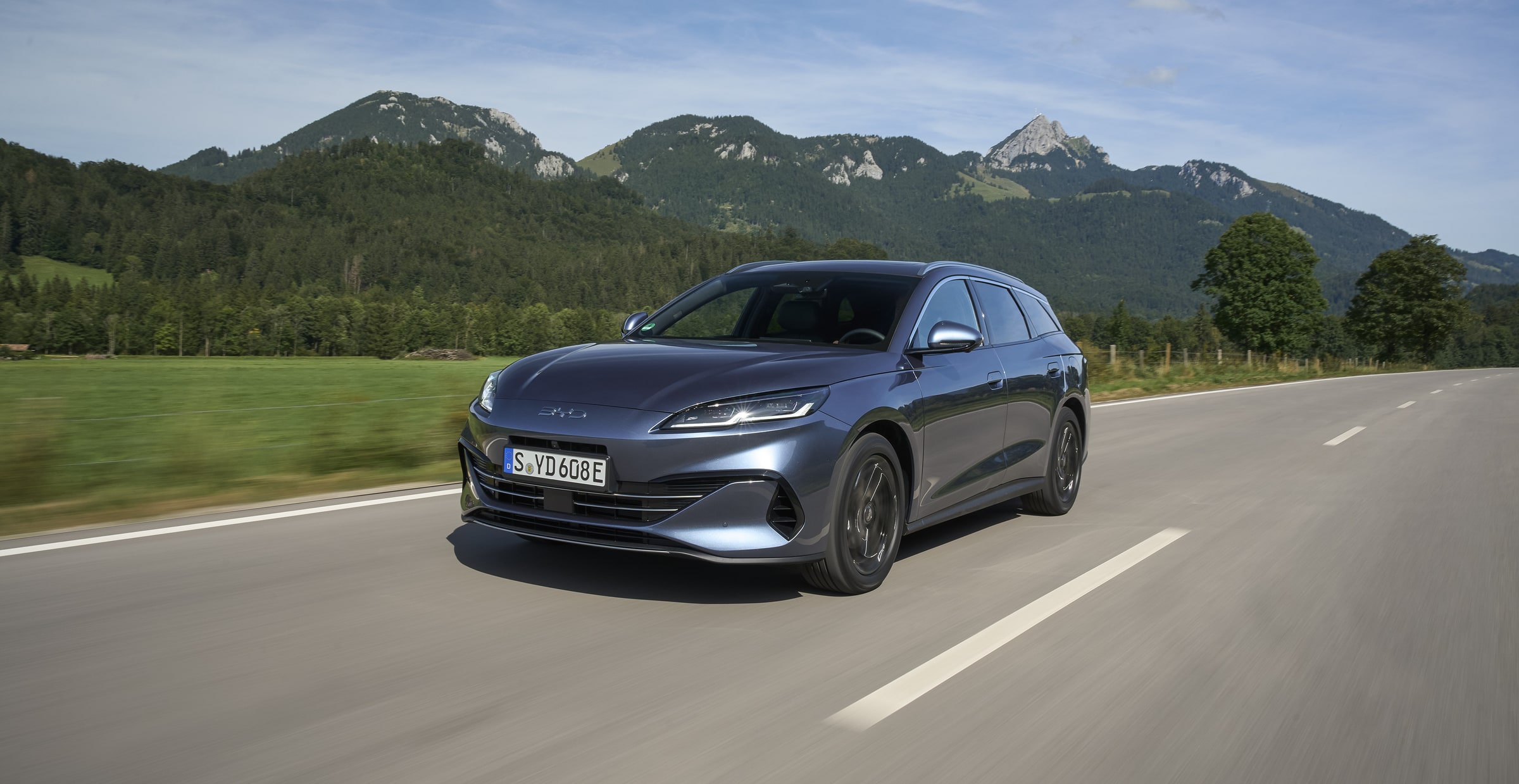
Plug-in hybridní kombi BYD SEAL 6 DM-i Touring míří na české rodiny, které hledají praktičtější alternativu k SUV. Český ceník vrcholnou verzi stanovuje na 943 tisíc korun. Za tuto částku nabízí kombinaci spalovacího motoru, elektrického pohonu a možnosti dobíjení ze sítě – tedy řešení, které může dávat smysl řidičům s pravidelným přístupem k nabíječce. Praktičnost zůstává hlavním argumentem Touring má zavazadelník o objemu 500 litrů, po sklopení zadních opěradel se prostor zvětší až na 1 535 li
-
BYD hledá cestu k ještě menšímu elektromobilu pro Evropu. Technologie označovaná jako X-Pack, kterou automobilka spojuje s japonským kei-carem Racco, by se podle aktuálních informací mohla stát základem evropského minivozu. Nejde zatím o potvrzený sériový model ani o zveřejněný technický list, ale o možný další krok v rozšiřování nabídky značky. Mezera pod DOLPHIN SURF V evropské nabídce BYD dnes představuje DOLPHIN SURF kompaktní elektromobil zaměřený na městský provoz a zákazníky, kteří hledaj

Fóra
-
Elektromobily BYD
-
Výkonný plně elektrický sedan BYD Seal.
- 1 příspěvek
-
Kompaktní městský elektromobil BYD Dolphin Surf.
- 1 příspěvek
-
Elektrické rodinné a městské SUV BYD Atto 2.
- 2 příspěvky
-
Elektrické výkonné SUV BYD Sealion 7.
- 2 příspěvky
-
-
Super Hybridy BYD
-
Plug-in hybridní SUV BYD Seal U DM-i.
-
Superhybridní hatchback BYD Dolphin G DM-i s dlouhým dojezdem.
-
Kompaktní hybridní SUV BYD Atto 2 DM-i.
-
Superhybridní SUV BYD Sealion 5 DM-i.
-
Plug-in hybridní kombi BYD Seal 6 DM-i Touring.
- 2 příspěvky
-
Superhybridní sedan BYD Seal 5 DM-i.
-
-
Technika a Provoz
-
Vše o revoluční technologii Blade Battery, životnosti článků, regenerativním brždění a architektuře e-Platform 3.0.
- 1 příspěvek
-
Domácí nabíjení, instalace wallboxů, zkušenosti se sítěmi (ČEZ, PRE, Ionity) a čipy pro veřejné nabíjení.
-
Diskuze o globálních aktualizacích systému, funkčnosti mobilní aplikace BYD, vzdáleném přístupu a cloudových službách.
-
Seznam autorizovaných servisů, záruční podmínky v ČR/EU, servisní plány a zkušenosti s klientskou podporou.
-
Tipy na plánovače (ABRP, Google Maps), reálný dojezd při dálničních rychlostech a vliv počasí na celkovou efektivitu.
-
Aktuální dotační programy, silniční daň, výhody EL značek a specifika pojištění elektromobilů BYD.
-
-
Komunita a Lifestyle
-
Plánování společných vyjížděk, regionálních srazů a účast na oficiálních akcích BYD v ČR i v zahraničí.
-
Diskuze o všem ostatním, co se netýká přímo aut – technologie, cestování, koníčky a životní styl.
-
Jak si vede BYD proti Tesle, MG nebo Volkswagenu? Vaše recenze, testy dojezdu a srovnávací tabulky.
-
Zkušenosti z dlouhých tras po Evropě, tipy na zajímavé nabíjecí stanice a hotely s nabíječkami.
-
-
O webu a fóru
-
Oficiální zprávy od administrátorů, informace o nových funkcích fóra, údržbě webu a důležitých změnách.
-
Místo pro vaše návrhy na vylepšení, hlášení technických chyb a diskuzi o dalším směřování bydforum.cz.
-