



Skip to content
View in the app

A better way to browse. Learn more.

BYD Forum

A full-screen app on your home screen with push notifications, badges and more.

To install this app on iOS and iPadOS
  1. Tap the Share icon in Safari
  2. Scroll the menu and tap Add to Home Screen.
  3. Tap Add in the top-right corner.
To install this app on Android
  1. Tap the 3-dot menu (⋮) in the top-right corner of the browser.
  2. Tap Add to Home screen or Install app.
  3. Confirm by tapping Install.

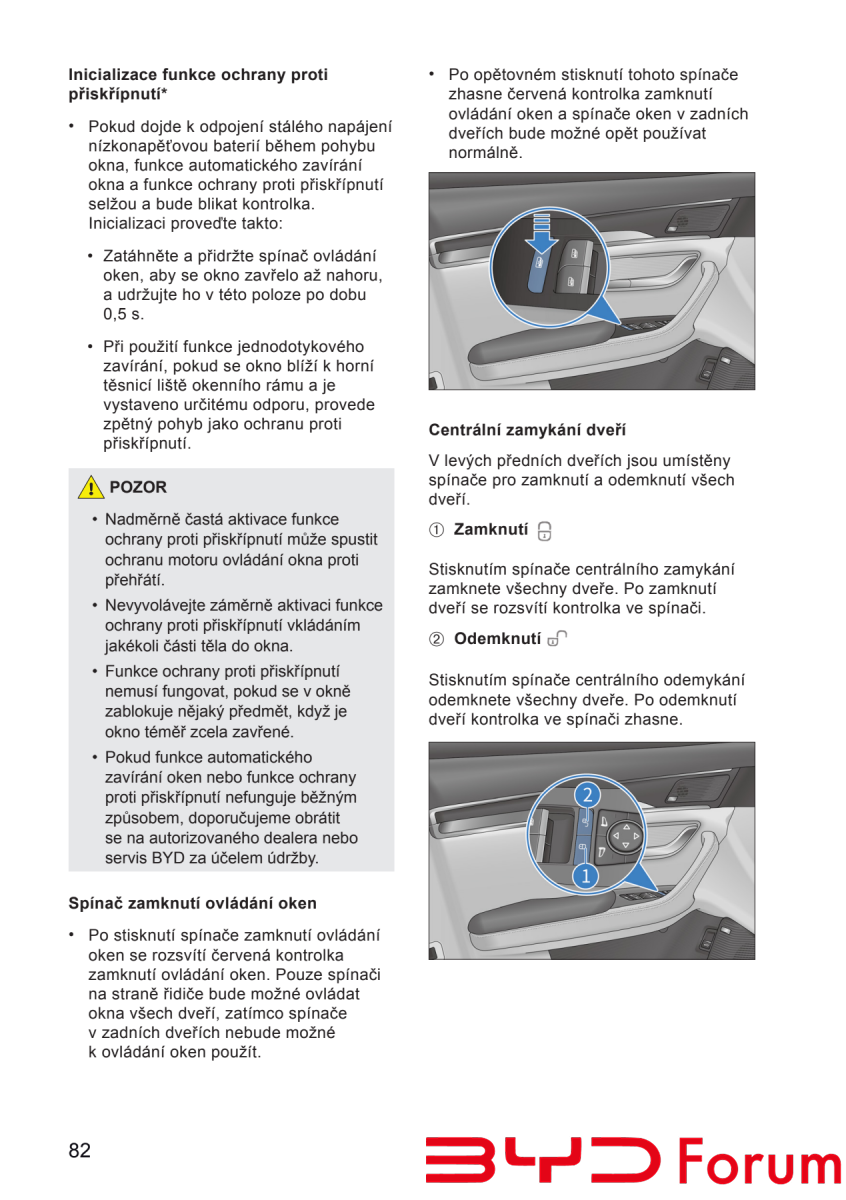
Seal U DM-i: blokování zadních oken a centrální zamykání

Seal U DM-i: blokování zadních oken a centrální zamykání

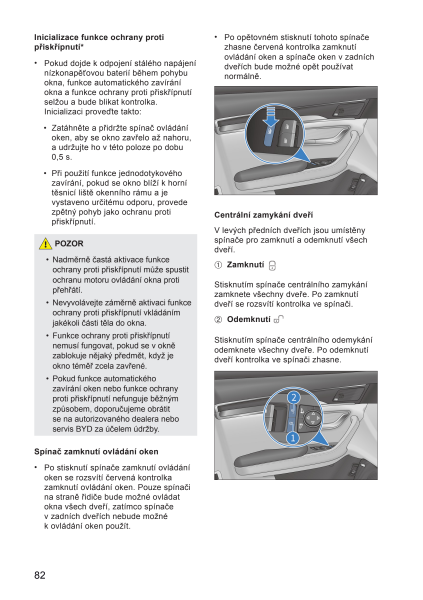
BYD, česká příručka, vydání 10.2024 CS_V2. Tištěná strana 82, PDF strana 84. Obrázek je reprodukcí stránky dokumentace tohoto modelu, nikoli fotografií konkrétního vozu.

Celá česká příručka · Seal U DM-i: dětský zámek dveří není blokování zadních oken

Credit

BYD

Copyright

© BYD
  • From the album:

    BYD Seal U DM-i: prostor, výbava a nabíjení

    · 14 images

    Account

    Navigation

    Search

    Search

    Configure browser push notifications

    Chrome (Android)
    1. Tap the lock icon next to the address bar.
    2. Tap Permissions → Notifications.
    3. Adjust your preference.
    Chrome (Desktop)
    1. Click the padlock icon in the address bar.
    2. Select Site settings.
    3. Find Notifications and adjust your preference.